 GloryBound Wiki
How to Redeem GloryBound Codes (PC, Mobile & Console)
Exact unlock requirements, keyboard shortcut (J), and fixes for 'Invalid Code' or missing gift box errors.
Quick Answer
To redeem GloryBound codes, finish the opening tutorial and complete your first Colosseum arena match. Back in the lobby, click the gift box icon in the top-left corner (or press J on PC), open the Codes tab, type the code in ALL CAPS, and click Redeem!.
Last verified: 2026-11-22
Prerequisite: Complete the Tutorial & First Arena Match
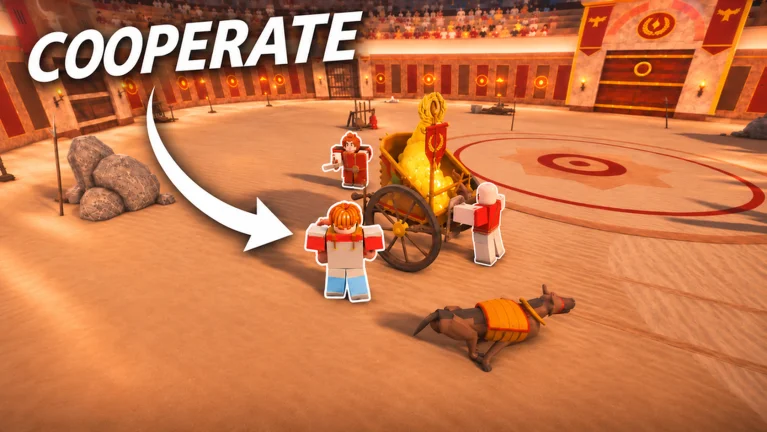
The number one reason new players think GloryBound codes are broken is trying to redeem them inside the opening prisoner tutorial. GloryBound requires you to finish the tutorial and complete your first arena match before the lobby reward menu accepts code inputs. This takes only a few minutes—pick Gladiator (Sword & Shield) if you want the easiest first clear.
Step-by-Step Redemption Instructions
| Platform | How to Open the Codes Menu | Final Step |
|---|---|---|
| PC (Keyboard & Mouse) | Press J or click the Gift Box icon in the top-left HUD | Select Codes, paste code in ALL CAPS, click Redeem! |
| Mobile / Tablet | Tap the Gift Box / Present icon in the top-left corner | Open Codes, type exact code without trailing spaces, tap Redeem! |
| Console (Xbox / PS) | Toggle UI selection cursor to the top-left Gift Box icon | Select Codes, enter code via on-screen keyboard, confirm Redeem! |
Five Common Code Errors & Exact Fixes
- Trailing Space From Copy-Paste: Copying from web pages often adds a hidden space after
ASCENSIONorUPDATE5. Delete any space at the start or end of the text box. - Missing Underscore:
UPDATE_4andUPDATE_3use underscores, whereasUPDATE5does not have an underscore. Double-check the spelling on our GloryBound Codes & Free Lucky Spins List. - Outdated Public Server: Right after a new patch drops, older lobby instances may not recognize the newest code yet. Leave and rejoin a fresh server.
- Already Redeemed: Each code works once per Roblox account. Check your inventory/Crystal of Fortuna spin counter if you think you claimed it earlier.
- Expired Event Code: Older codes can expire without notice when a new major update launches.
Verified Official Facts vs. Unconfirmed Details (as of Nov 22, 2026)
| Detail | Verified Fact | Unconfirmed |
|---|---|---|
| Menu Location | Top-left gift box icon or J hotkey → Codes tab |
Whether future UI updates will move Codes into Settings |
| Unlock Gate | Tutorial + first arena match required | Exact server-side cooldown between rapid code entries |
| Cross-Device Sync | Redeemed spins and chests bind to your Roblox account across all platforms | Mobile-only or console-only exclusive promo codes (none confirmed) |
Ready to claim all 35 Lucky Spins and 3 Legendary Chests? Head back to the GloryBound Codes & Free Lucky Spins List or check where to spend them in our Crystal of Fortuna Blessings & Star Odds guide.
Need the rest of the PC keyboard shortcuts (Q dash, E revive, G menus) and mobile layout? See our GloryBound Controls guide.
Frequently Asked Questions
Where is the Codes button in GloryBound?
Look in the top-left corner of your screen for the Gift Box / Present icon, or press the J key on a PC keyboard, then select the Codes option inside the rewards menu.
Why does nothing happen when I press J?
If you just joined GloryBound for the first time, you must complete the tutorial and finish one full arena match before the rewards/codes menu unlocks.
Can I redeem GloryBound codes on mobile and console?
Yes. GloryBound supports PC, mobile, tablet, and console. Tap the top-left gift icon on touchscreens or navigate to it using the controller UI cursor on Xbox/PlayStation.
Player Notes & Corrections